 avi.dev
How to Use DiffableDataSource and Still Support iOS 12
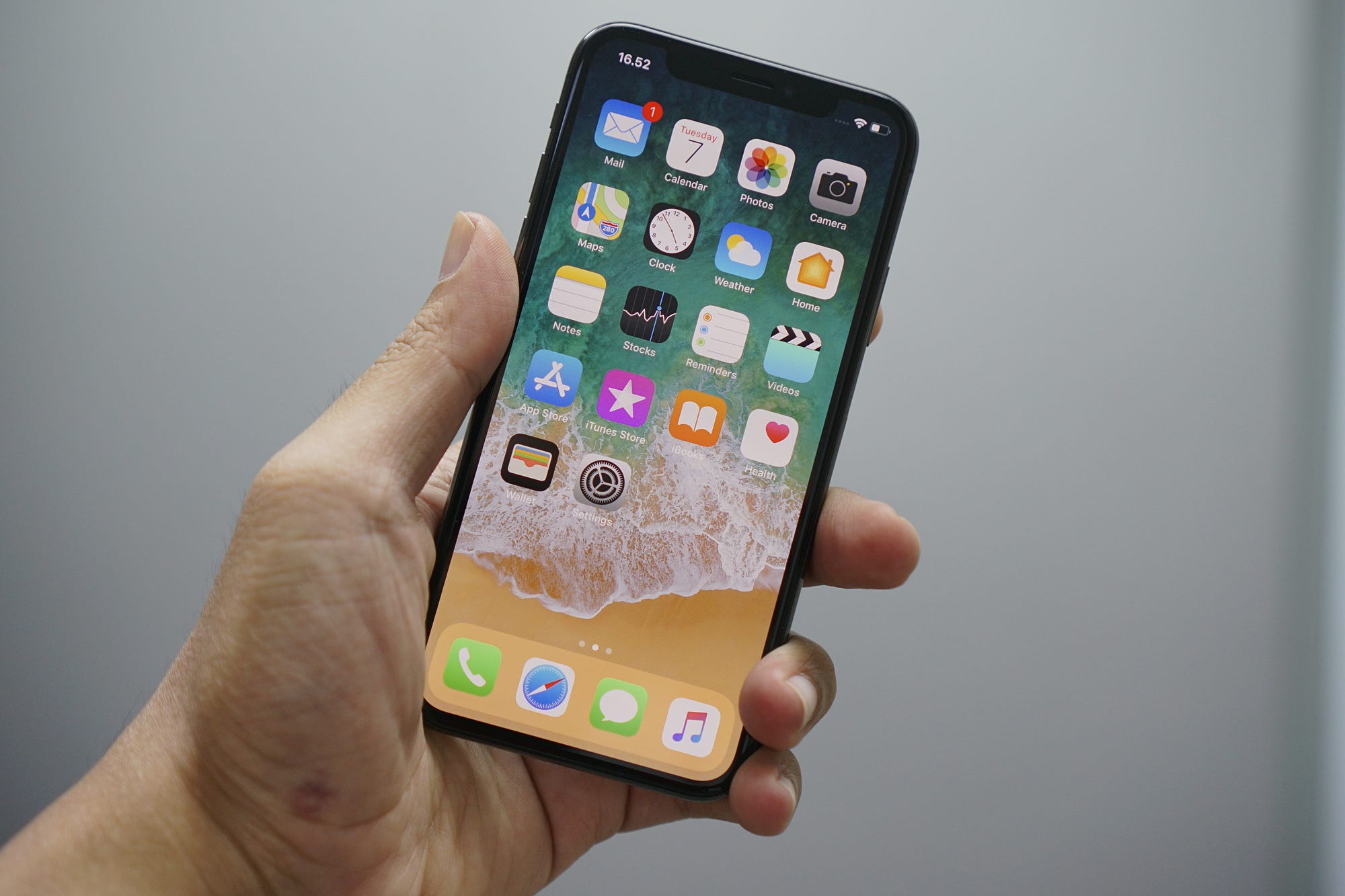
Yes, you can still support old phones. (Photo by Bagus Hernawan on Unsplash.)
Introduction
If you make heavy use of tables and collection views, iOS 13 brought something great for you — DiffableDataSource. If you’re not familiar with it, you’re more than welcome to read my (excellent!) tutorial about how to implement it into your project.
Anyway, in short — DiffableDataSource is a way to refresh your collections, while all the dirty calculations of insert/delete/update are done for you by UIKit.
Sounds Great, What’s the Catch?
DiffableDataSource requires iOS 13. That’s the problem.
Collections (when I say collection, I mean UITableView or UICollectionView) are a central component in our apps, and you can’t ignore iOS 12 users by just showing them something else instead. Implementing DiffableDataSource is too easy and useful to wait 1-2 years to start using it.
This Is Why It’s Not That Simple to Fall Back to ‘reloadData()’
That’s the intuitive and logical thought — why can’t we just check the iOS version and call reloadData()? After all, users that afraid to upgrade might deserve a lousier experience!
The root of the problem is with the data source itself.
You see, to use DiffableDataSource, you need to keep the diffable data source as an instance variable.
And when you have a class with a variable that requires iOS 13 — the whole class requires iOS 13.
In other words, you can’t do something like this:
import UIKit
class MyTableViewController: UIViewController {
@available(iOS 13.0, *)
var datasource : UITableViewDiffableDataSource<String, String>?
}
And if the whole class requires iOS 13, it means you need to duplicate your classing or subclassing — or come up with another bloody solution.
I Guess I’ll Have to Wait Till Next Year …
Don’t go yet! There’s a solution, and it’s much simpler than you think.
Mark your datasource variable as lazy, and you can limit it to iOS 13.
The reason is that lazy variables are relevant only when you call them. And since you can do a version check on the call itself, you can use the @available operator to limit them.
Let’s see the solution:
import UIKit
class MyTableViewController: UIViewController {
@available(iOS 13.0, *)
lazy var datasource = UITableViewDiffableDataSource<String, String>()
}
Now it’s working!
So Can We Use ‘DiffableDataSource’ While Supporting iOS 12?
We sure can. But you need to do two things to make it right.
First, we need to understand that iOS 12 still uses the cellForRow() method of the UITableViewDatasource protocol.
When you implement DiffableDataSource, cellForNow() isn’t the method that modifies the TableView cells, and you’re now doing it when you initialize your diffableDataSource with the cellProvider argument.
This means you need to unite the code to a third function so you won’t have code duplication in your project.
Second (here it comes …), you need to create a fallback whenever you need to refresh your table view.
Something like this:
if #available(iOS 13.0, *) {
updateSnapshotFromNewData(newData: newData)
} else {
tableView.reloadData()
}
Summary
DiffableDataSource is a great feature. Most of your users are probably already running iOS 13, and with an easy implementation, you can give them a better user experience and still keep support for those iOS 12 users. God knows what they’re waiting for with the update.
Originally published on Medium.
Comments